GRADE · Pro Post-Process & Photo Studio
Grade your level like a photograph.

GRADE turns the Unreal Editor into a colour-grading and photo studio. Develop, wheels, curves and masks run live through GRADE Volumes, in the viewport, Play In Editor, packaged games and renders.

Personal licence $139.99 · Professional $1,299.99

Drag the lights
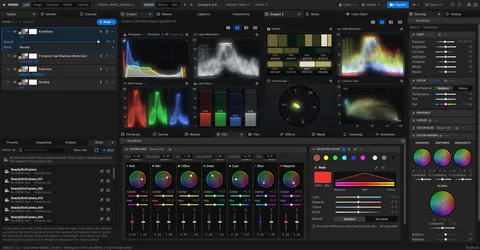
[01] GRADE Studio // In the editorNodes · scopes · colour panels · viewer
[02] Features // A photo editor for the whole level09 chapters

Feature tour//09 chapters

A photo editor for the whole level.

Everything a colourist or a photographer expects, built around the 3D scene instead of a flat image.

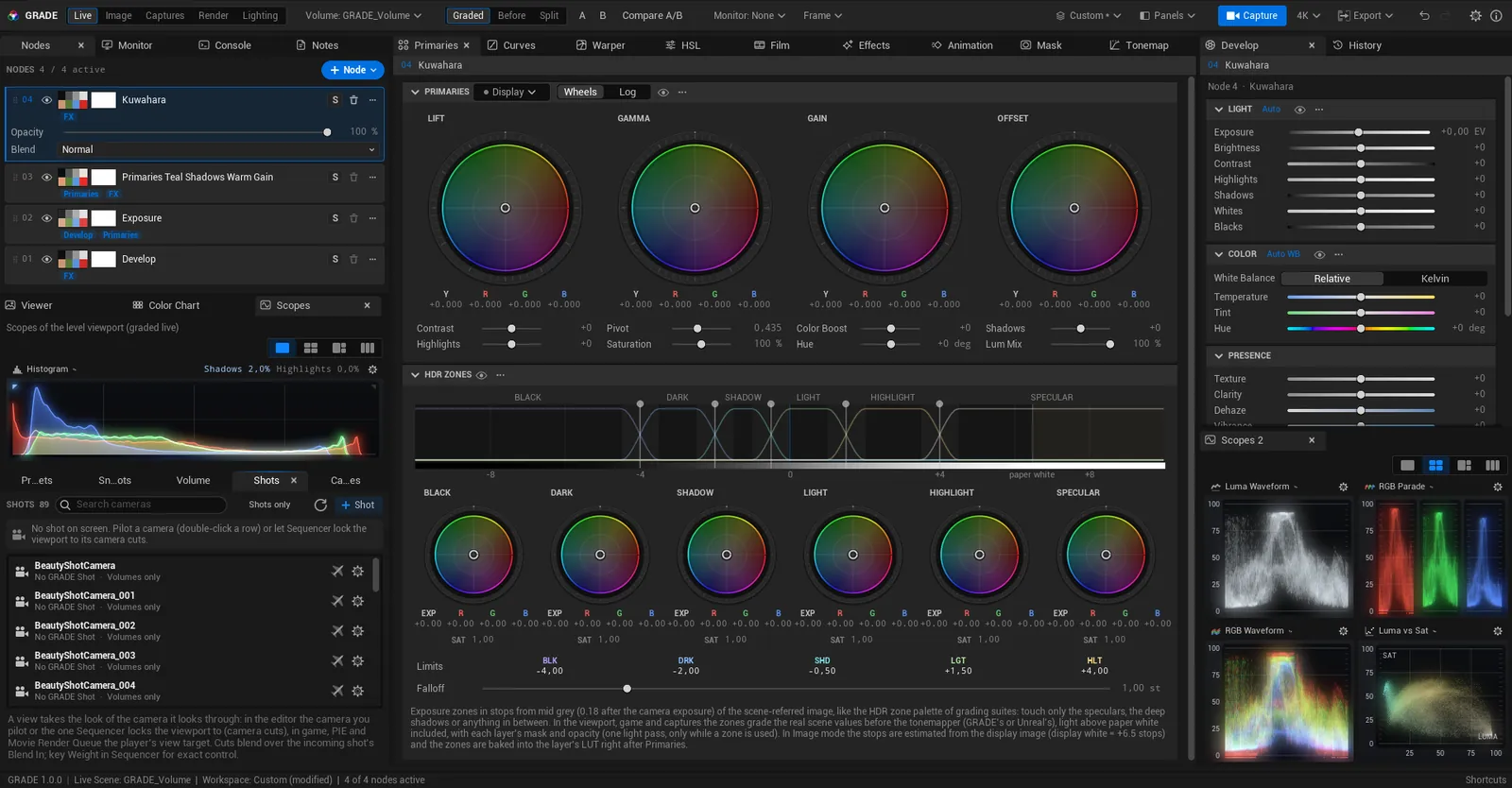
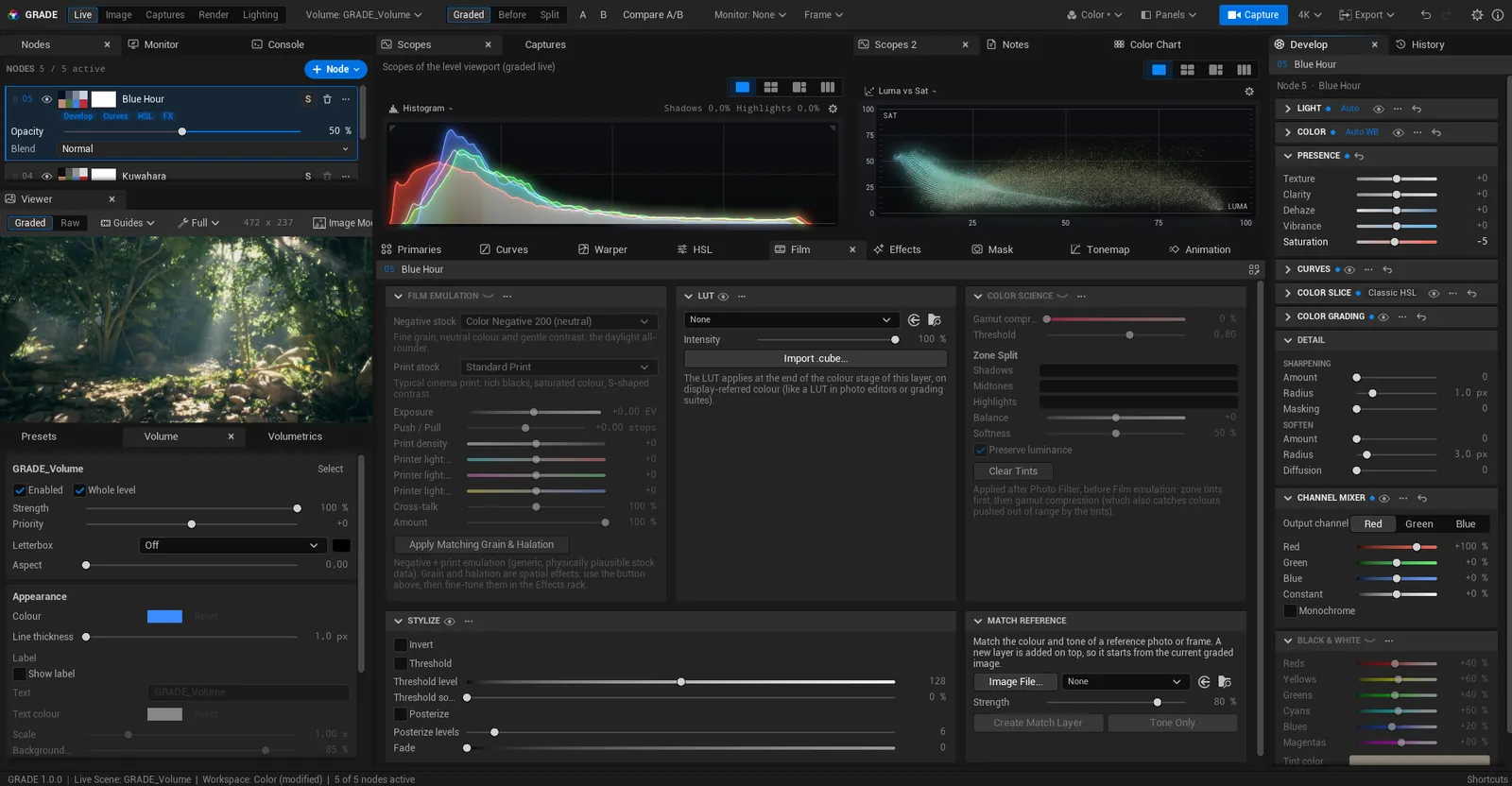
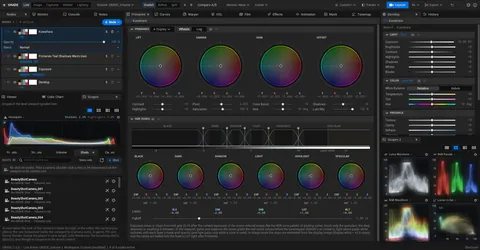
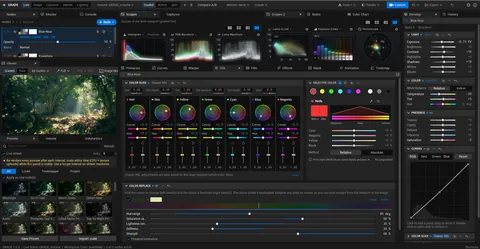
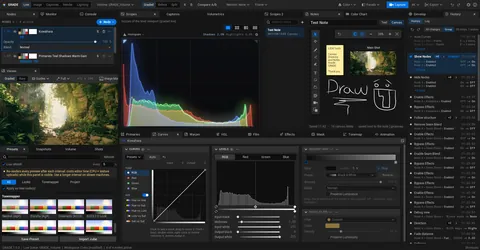
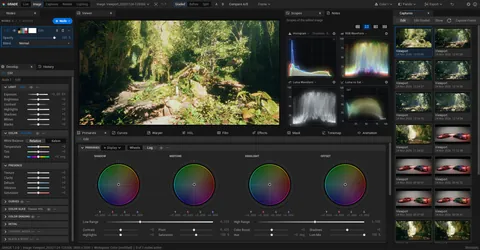
Primaries, log and HDR zone wheels on a layerPrimariesGRADE Live: a volume with its layers, film emulation and the scopesGRADE Live
Priority
Higher-priority volumes apply on top of lower ones
Blend radius
Box volumes fade in by distance as you enter
Sequencer
Volume settings are keyable for cinematics

01 / 09

Live grading through volumes and layers

Unbound GRADE Volumes grade the whole level; box volumes blend in by distance and stack by priority.

Each volume holds non-destructive layers with 16 blend modes, opacity and masks, and a shot can carry its own look per camera or Sequencer cut.

  • 16 blend modes
  • Unbound & box volumes
  • A look per camera or cut
Read the chapter in the manual
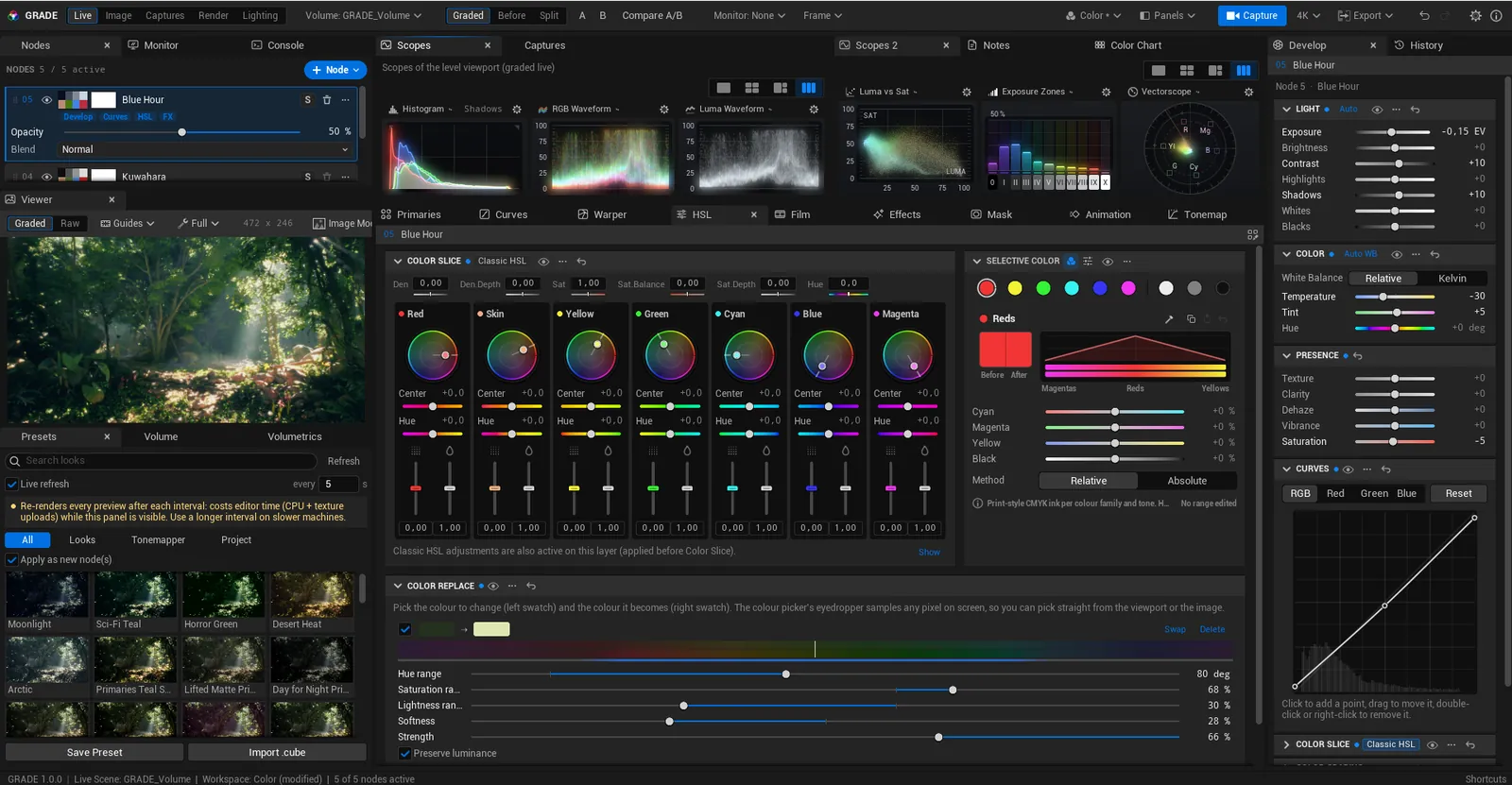
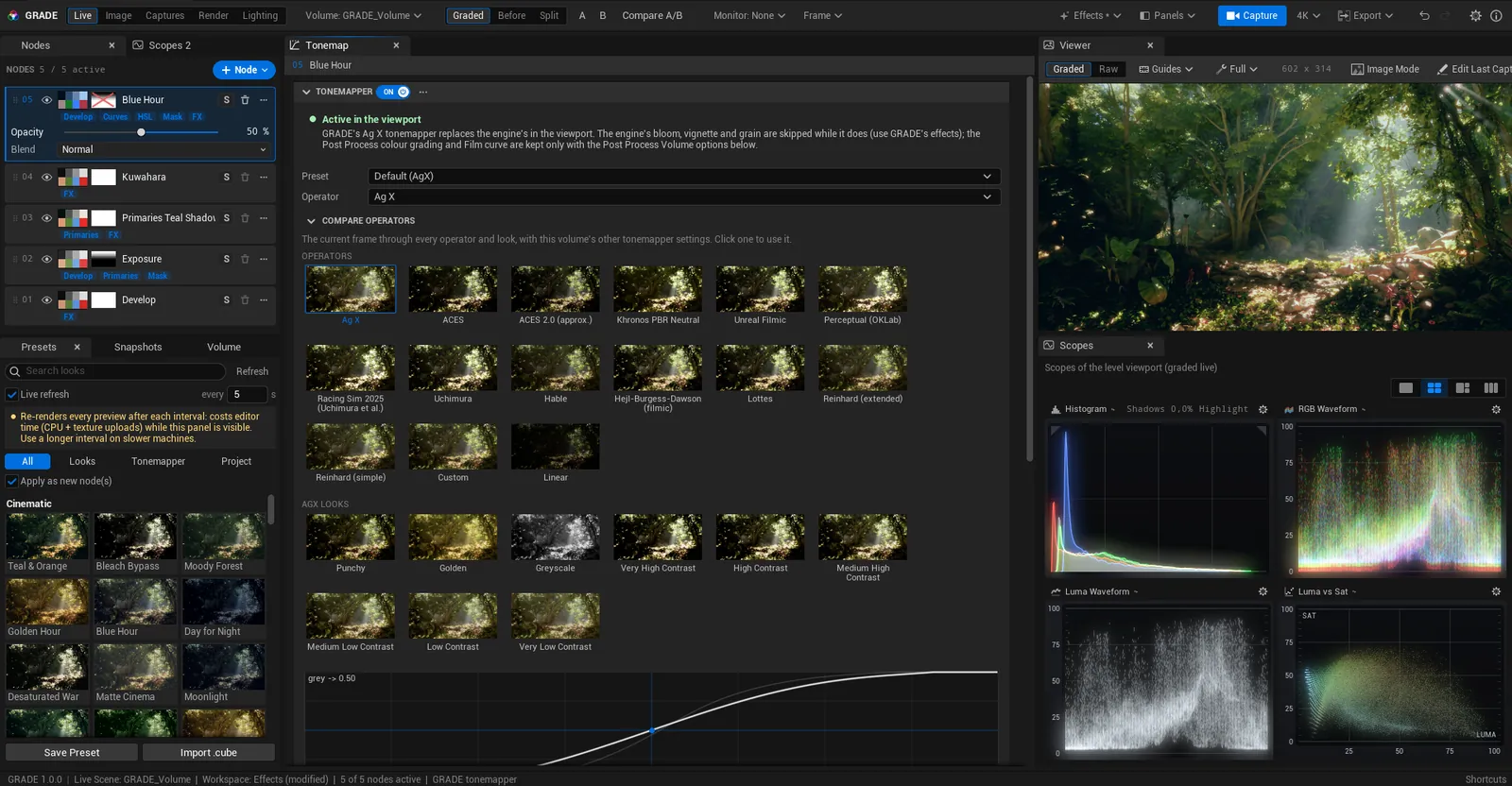
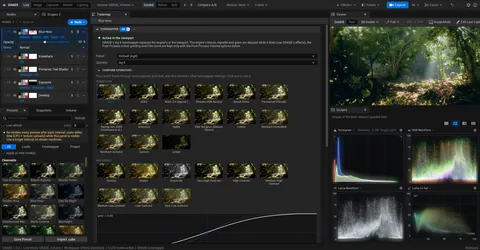
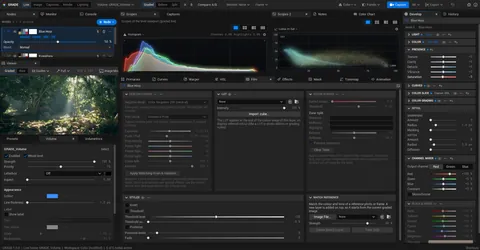
Color Slice, selective colour and colour replaceColor SliceThe tonemapper comparing operators and AgX looksTonemapper
Kelvin
Camera-style white balance with real chromatic adaptation
LUT export
The colour stage exports to .cube and Unreal LUT strips
GPU cost
All the colour work is one baked LUT lookup

02 / 09

A complete colour stage in every layer

Develop controls with Kelvin white balance, primaries and log wheels, HDR zone wheels, HSL and Color Slice, curves and hue curves, a colour warper, film emulation and a creative LUT.

Colour work is baked into a LUT, so it costs nothing on the GPU.

  • Kelvin white balance
  • HDR zone wheels
  • Baked into a LUT
Read the chapter in the manual
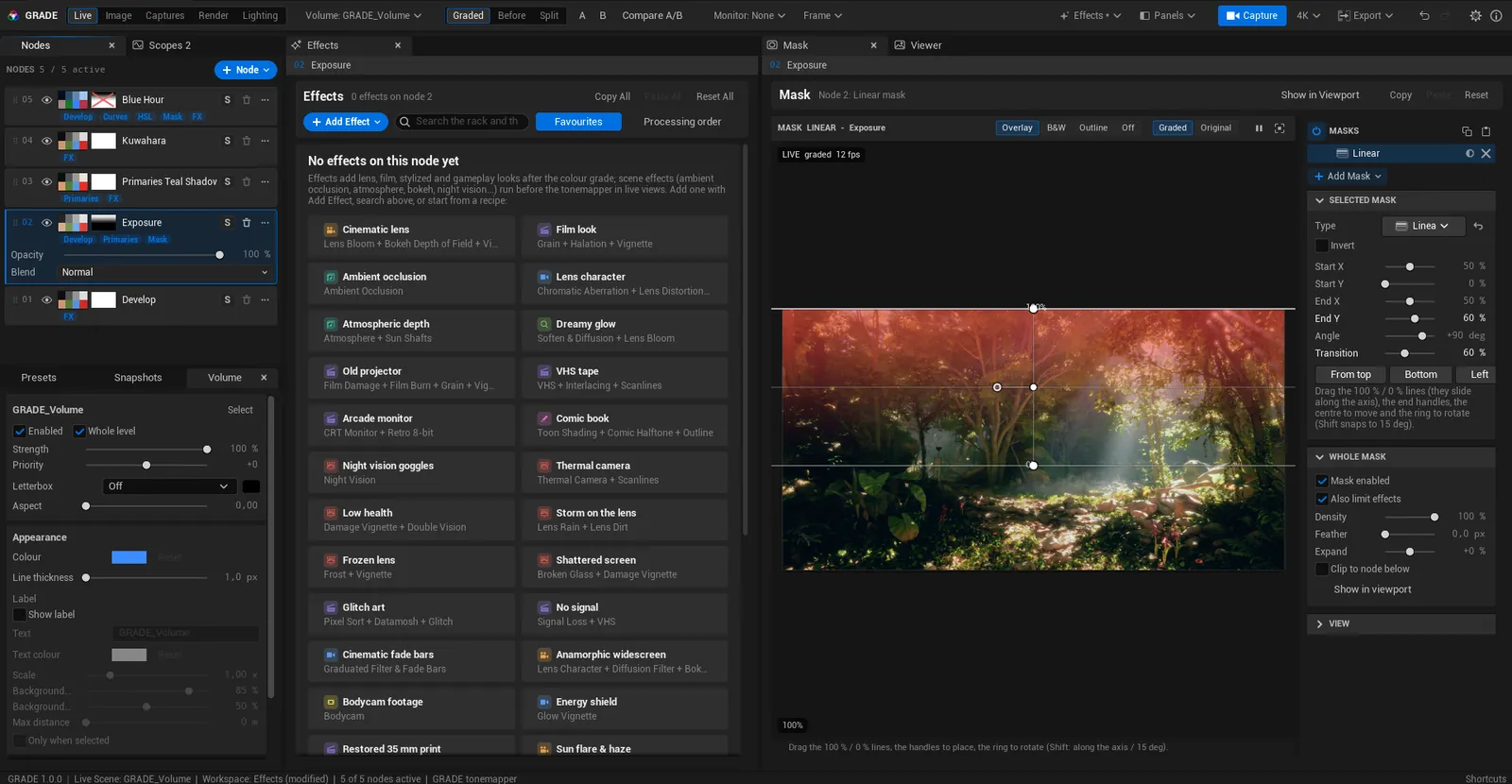
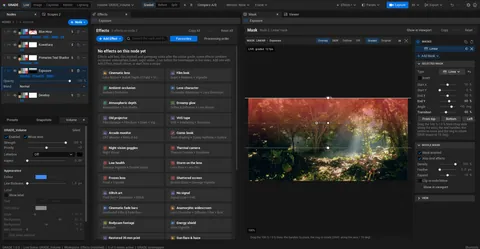
A linear mask on the frame with the effects rack and the mask stackMasks & effects
Combine
Add, Subtract, Intersect and Difference in one stack
Track
Power windows follow a bone of a character
Paint
Brush a mask live in the viewport, no texture to save

03 / 09

Masks that see the scene, effects on top

Stack masks with Add, Subtract, Intersect and Difference: actors, surfaces facing a direction, edges, light and shadow, depth, the sky, a window tracked to a bone or a mask painted live in the viewport.

On top, 92 effects and 273 looks.

  • Masks that read the 3D scene
  • 92 effects, 273 looks
  • Live painting, no Apply
Read the chapter in the manual
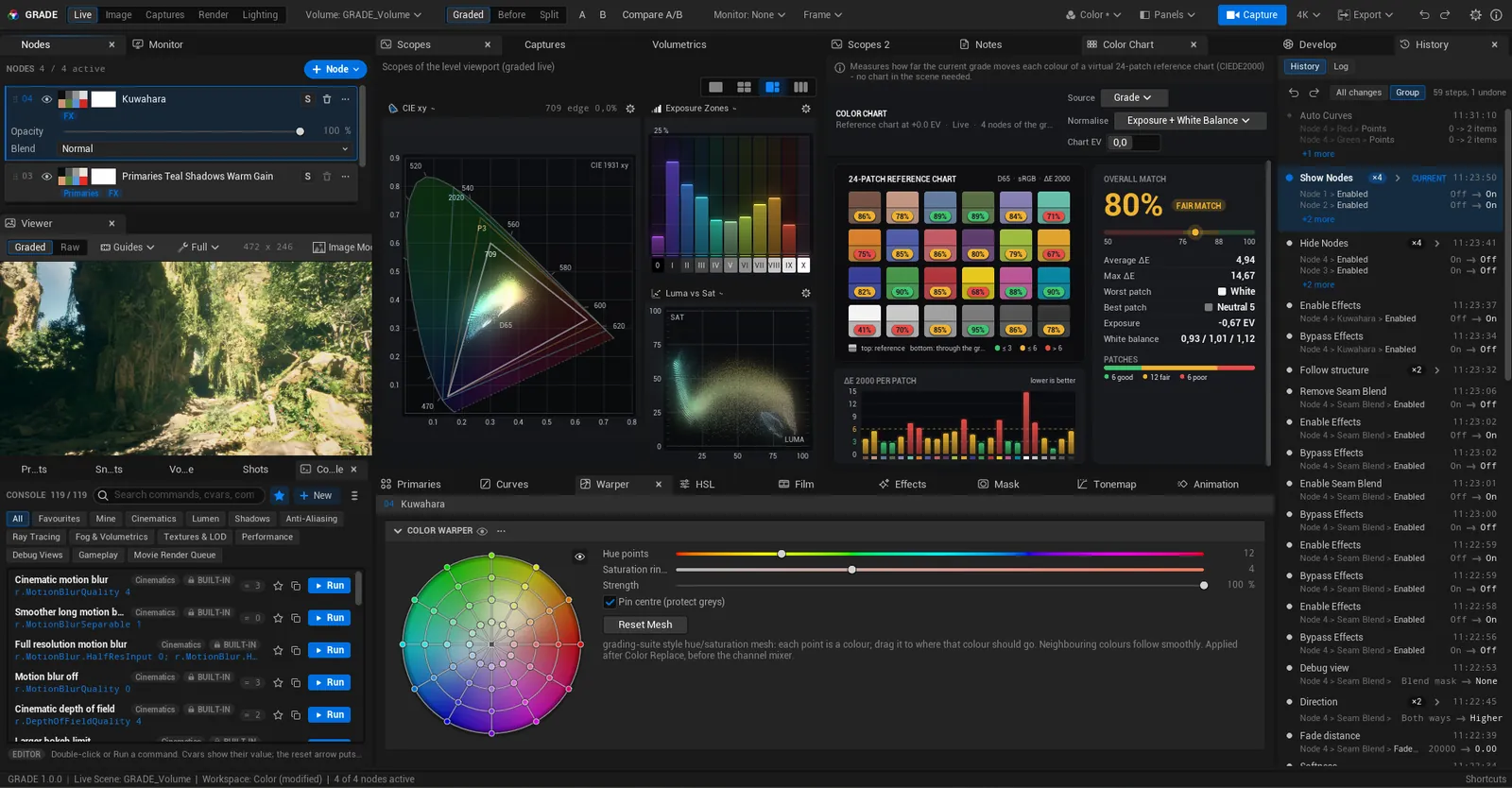
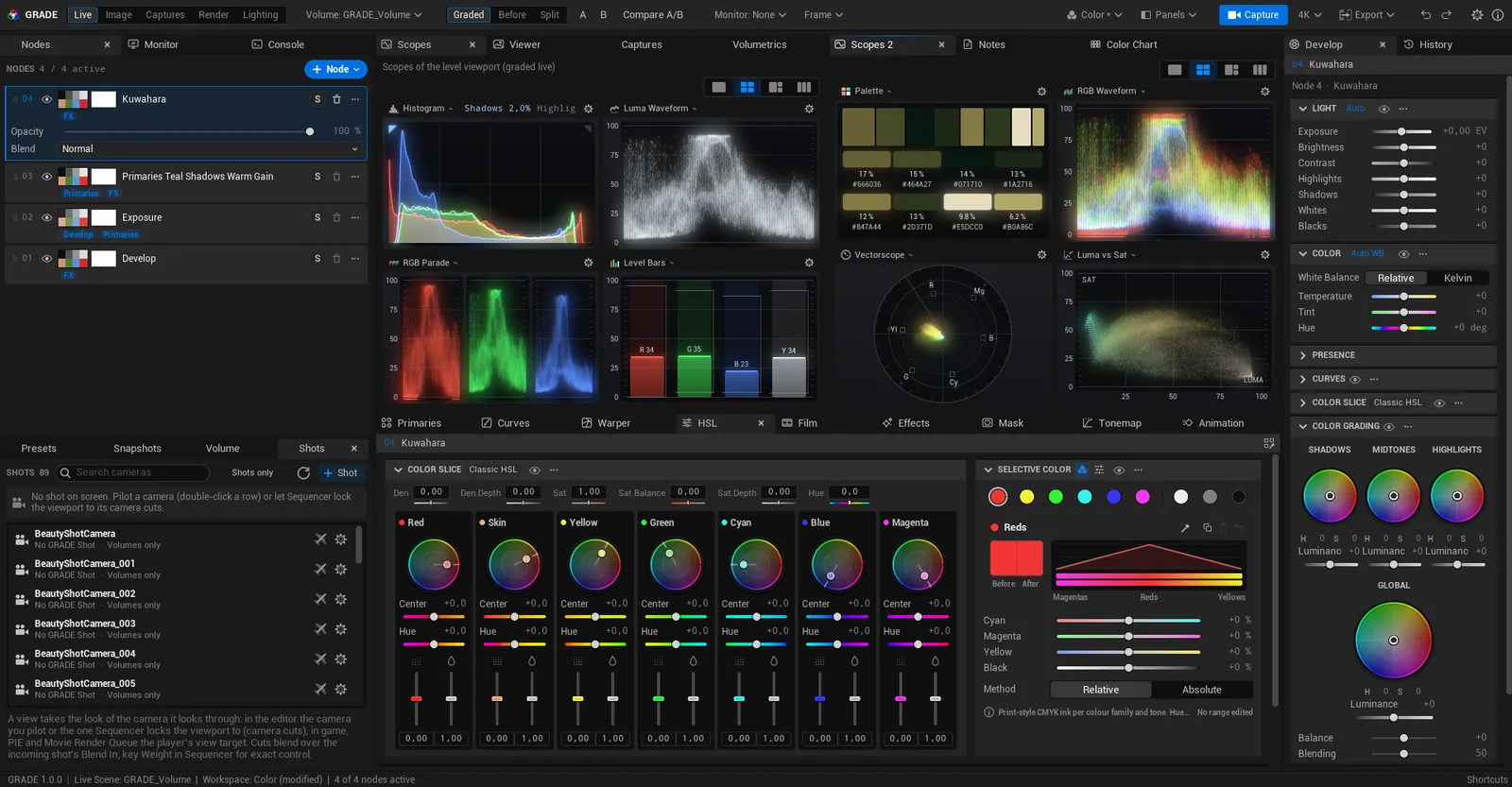
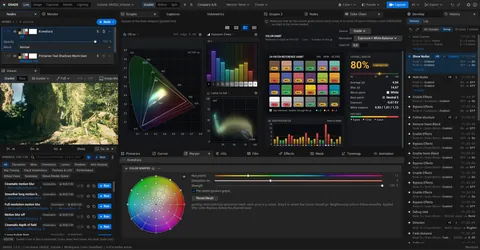
GRADE Live with nine scopes openNine scopesThe Color Chart panel measuring a 24-patch chartColor Chart
HDR
Waveforms read in percent or in nits
Overlays
False colour, zebras and clipping in the viewport
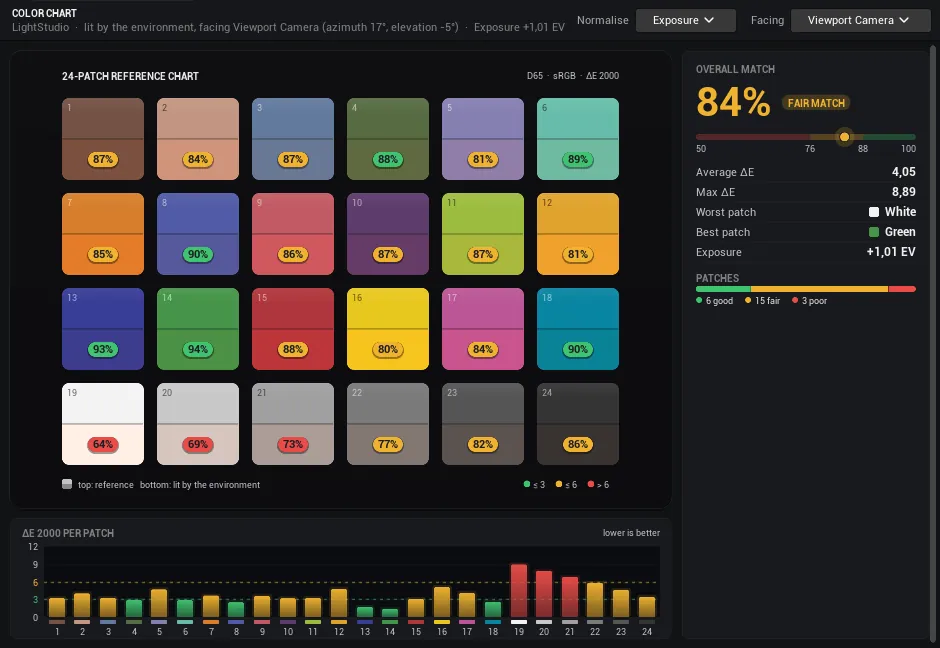
Color Chart
A 24-patch reference measured through the grade

04 / 09

Scopes you can trust

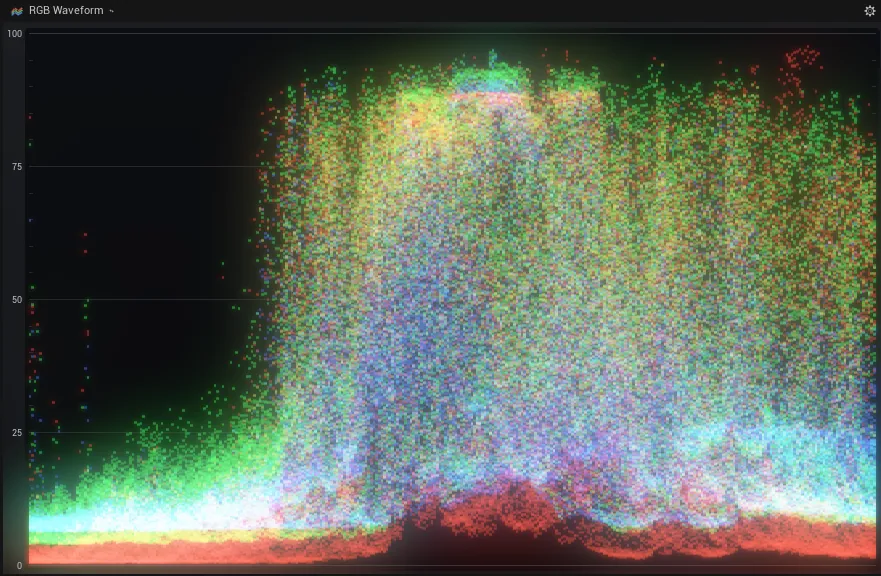
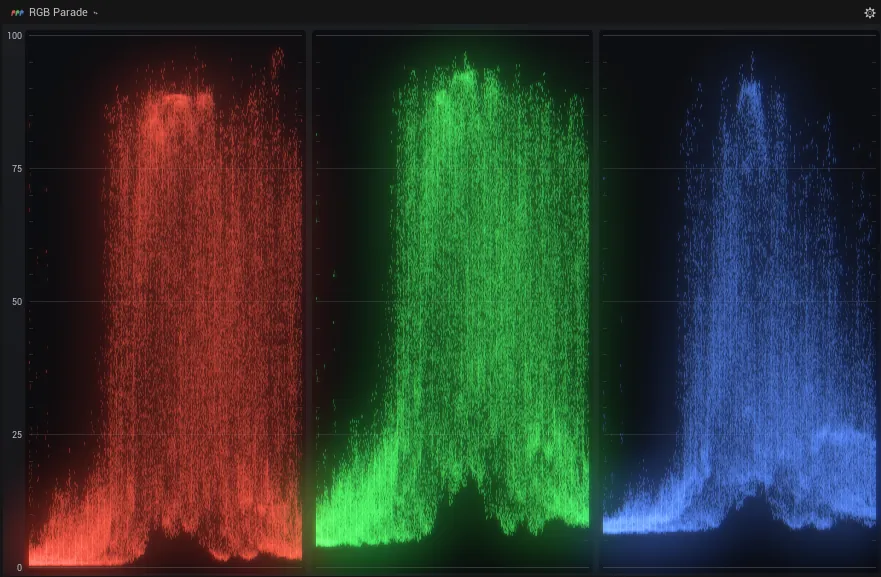
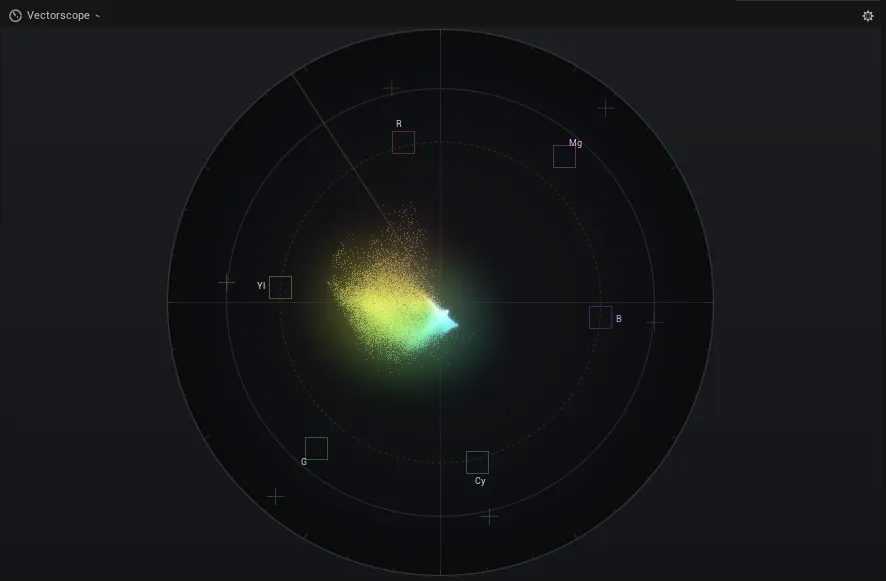
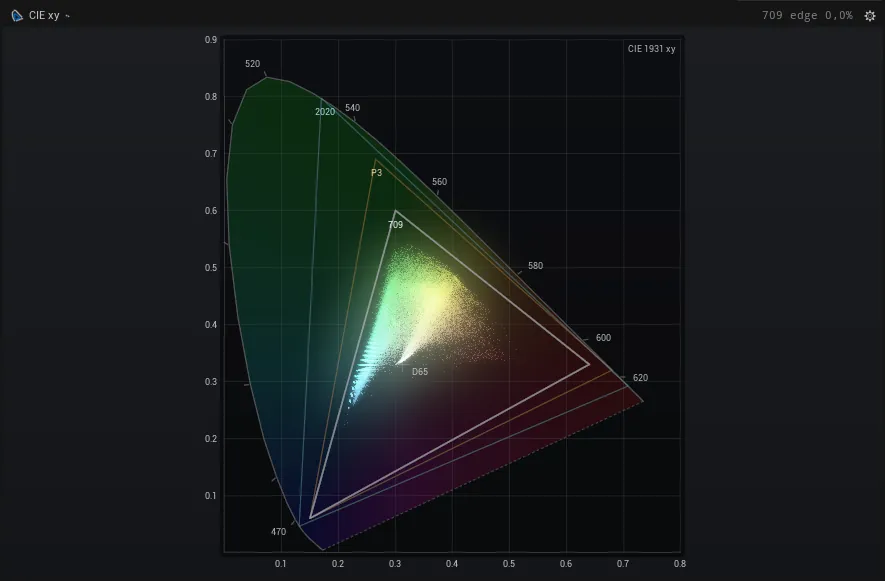
Waveforms in percent or nits, RGB parade, vectorscope, histograms and chromaticity with out-of-gamut highlight, reading real HDR data.

False colour, zebras and clipping overlays sit right in the viewport, and the Color Chart panel measures a 24-patch reference chart through your grade.

  • Percent or nits
  • Out-of-gamut highlight
  • 24-patch Color Chart
Read the chapter in the manual
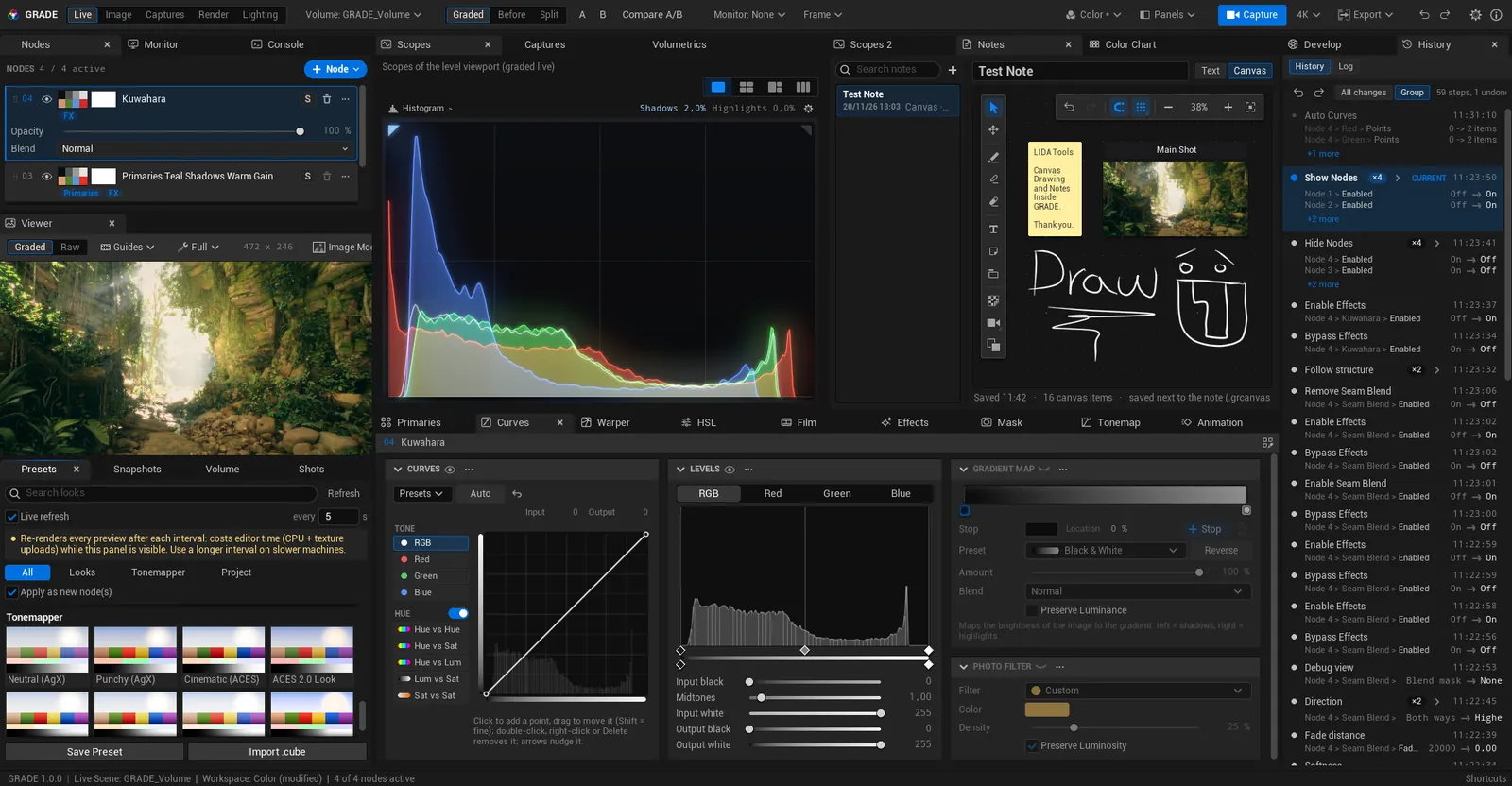
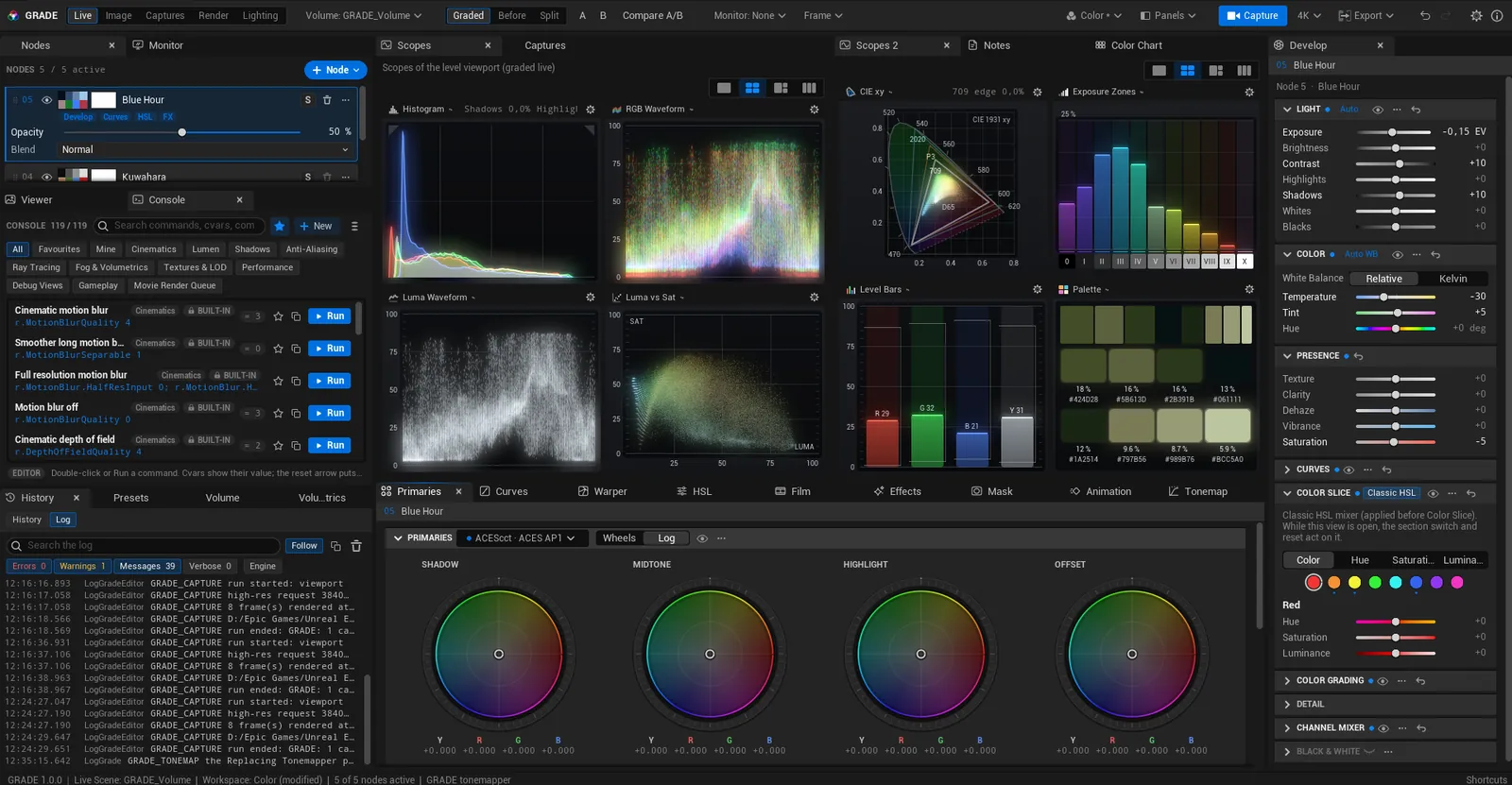
A note in Canvas mode next to the gradeNotesThe Console panel and its command libraryConsole
Files
Notes save in the project, ready for source control
Canvas
Any note turns into an infinite reference board
History
Every edit listed with its old and new values

05 / 09

Notes, history and a console beside the grade

Live mode keeps your grading notes, shot lists and reference boards next to the grade, saved as files in the project.

History lists every edit with its old and new values, and the Console panel runs 119 ready-made engine commands with one click.

  • Notes and reference boards
  • Every edit with its values
  • 119 console commands
Read the chapter in the manual
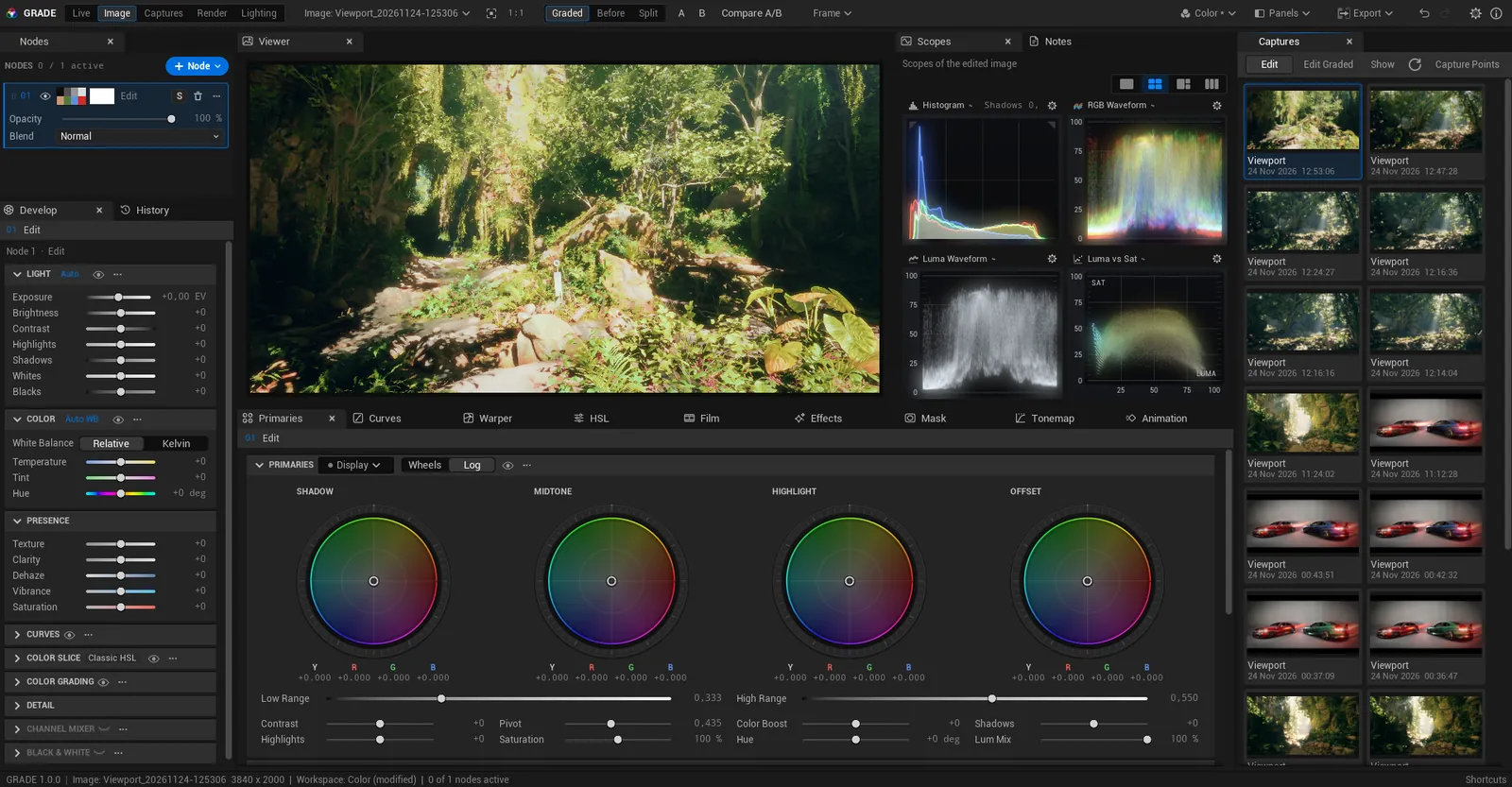
Image mode with its layers, scopes and looksImage mode
Open
PNG, JPG, EXR, TGA, BMP or a texture of the project
Compare
Before / After and a split line you drag
Match
A reference photo as a LUT layer or as curves

06 / 09

The same tools on any picture

Image mode edits a texture, a render or a photo with the same layers, masks, effects, looks, scopes and auto adjustments as the live scene.

Compare with Before / After or a split line, let Auto tone and Auto white balance start you off, or match the colour of a reference photo.

  • Textures, renders, photos
  • Split compare
  • Match a reference
Read the chapter in the manual
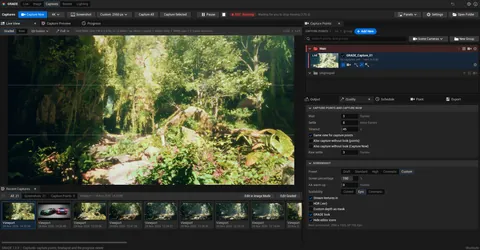
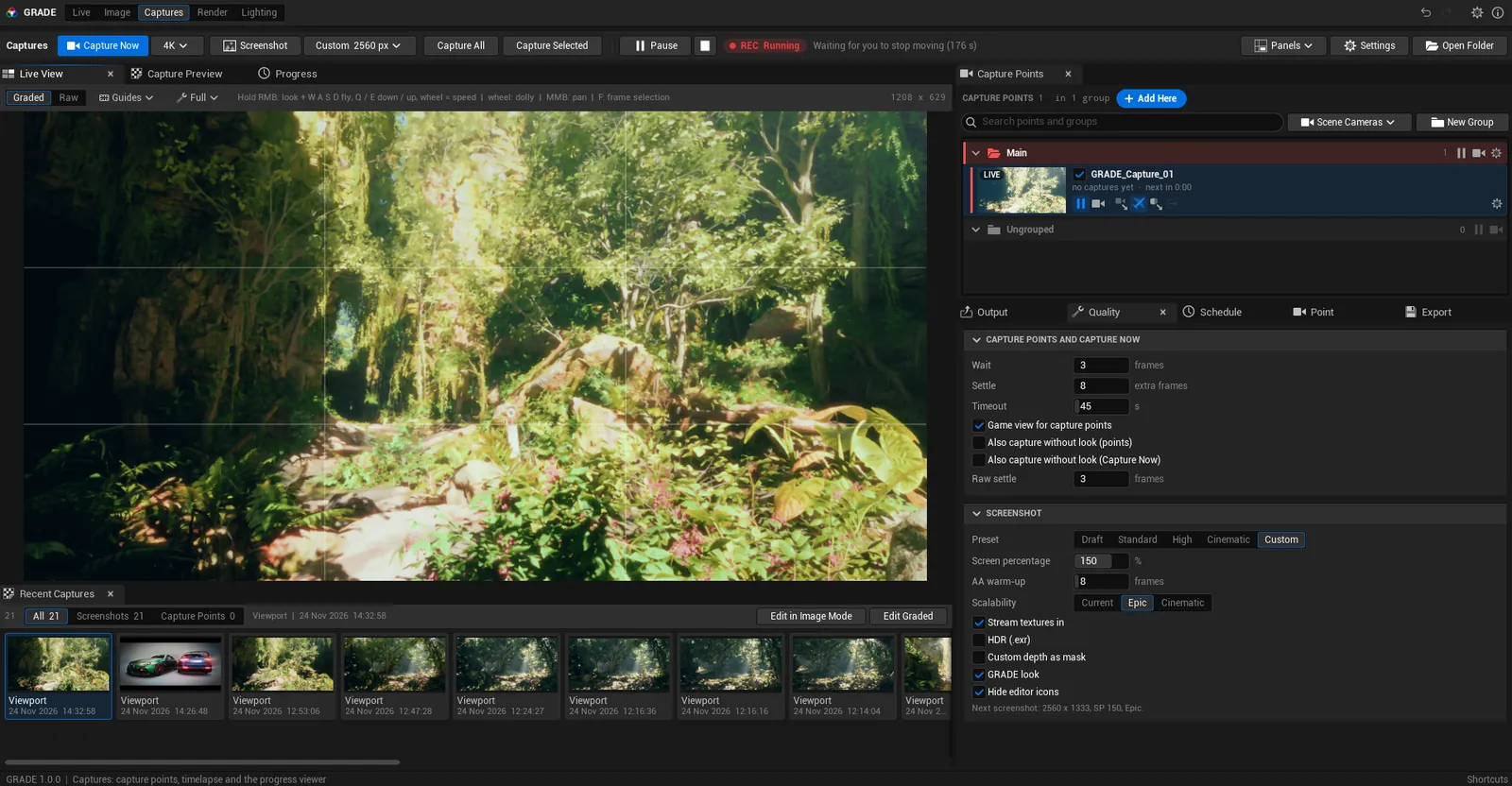
The Captures page: capture points, live view and recent capturesCaptures
Capture points
Place cameras or reuse the ones in your level
History
Files are never overwritten: scrub and compare dates
Export
A GIF or a video from the progress viewer

07 / 09

Watch the scene evolve

Place GRADE Capture Points at the angles you care about, or reuse your cameras, and press Run: the session photographs them little by little while you work, never overwriting a file.

Scrub the history, compare two dates and export a GIF or video, at exact sizes from 1K to 8K.

  • Every angle at once
  • Never overwritten
  • 1K to 8K, GIF and video
Read the chapter in the manual
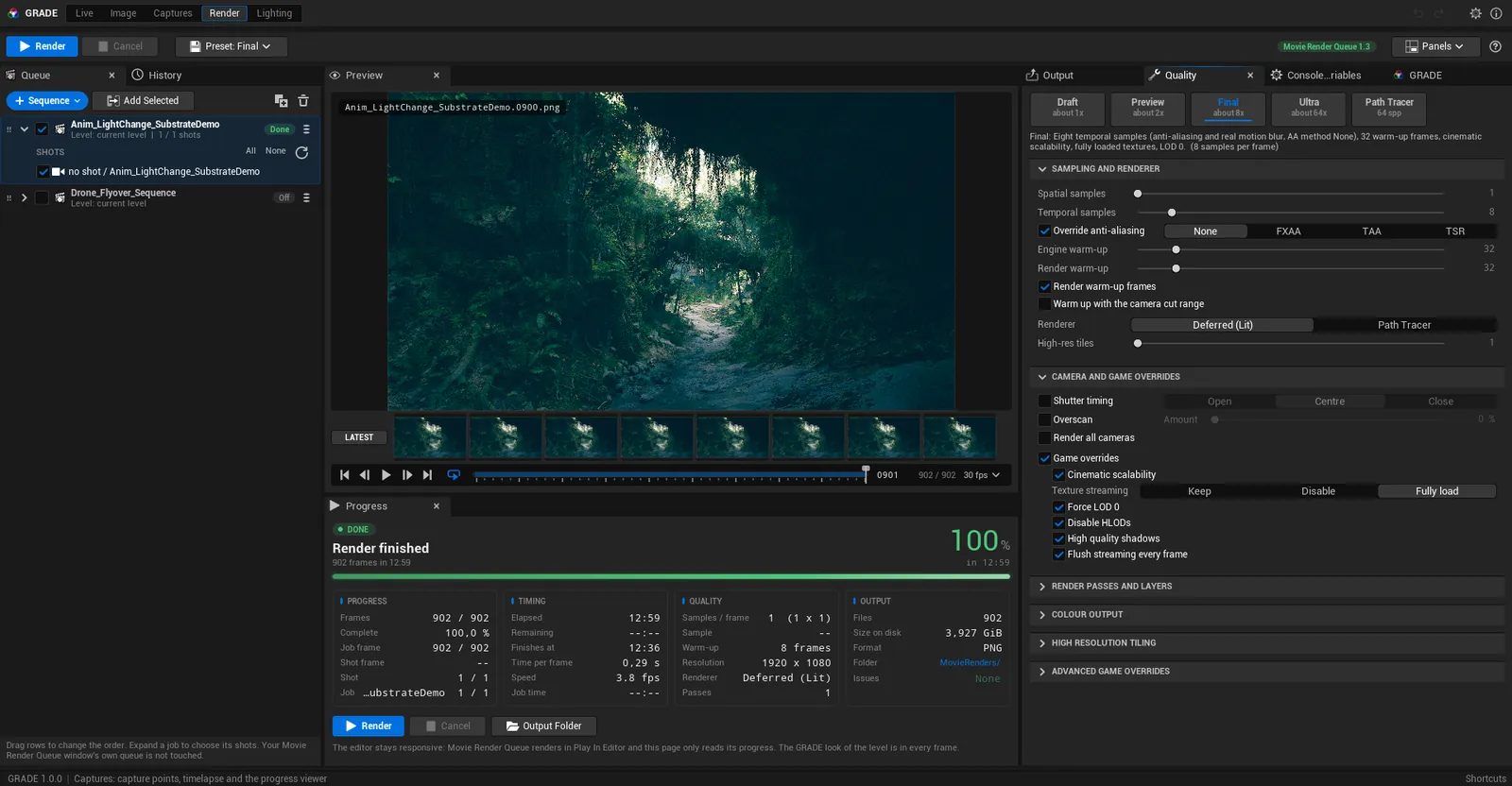
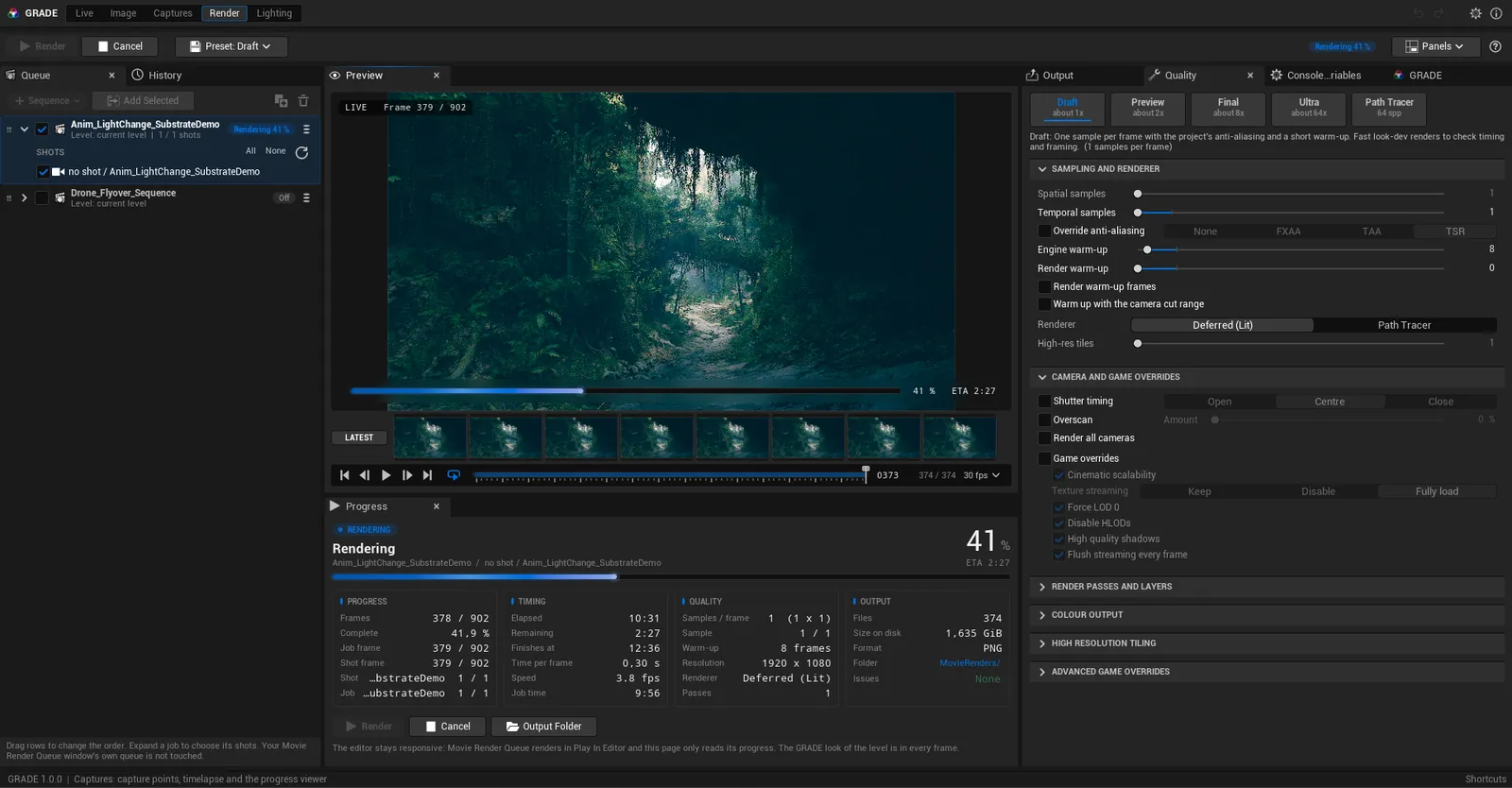
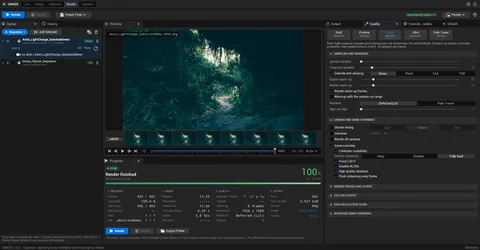
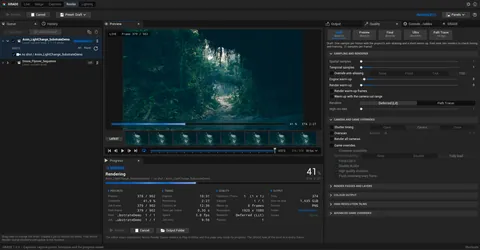
A Movie Render Queue job in progressRenderingA finished render with its live previewFinished
Your queue
A temporary queue: your Movie Render Queue jobs stay as they are
Two ways
Render in this editor or in a separate process
Preview
Follow the frames live, then play the result back

08 / 09

Movie Render Queue with your look

Render Level Sequences with Movie Render Queue without leaving GRADE Studio, with your look in every frame.

Pick the sequences, the output and the quality from draft to path tracing, follow the frames live with clear statistics, then play the result back in the Preview.

  • Draft to path tracing
  • Frames followed live
  • Your queue untouched
Read the chapter in the manual
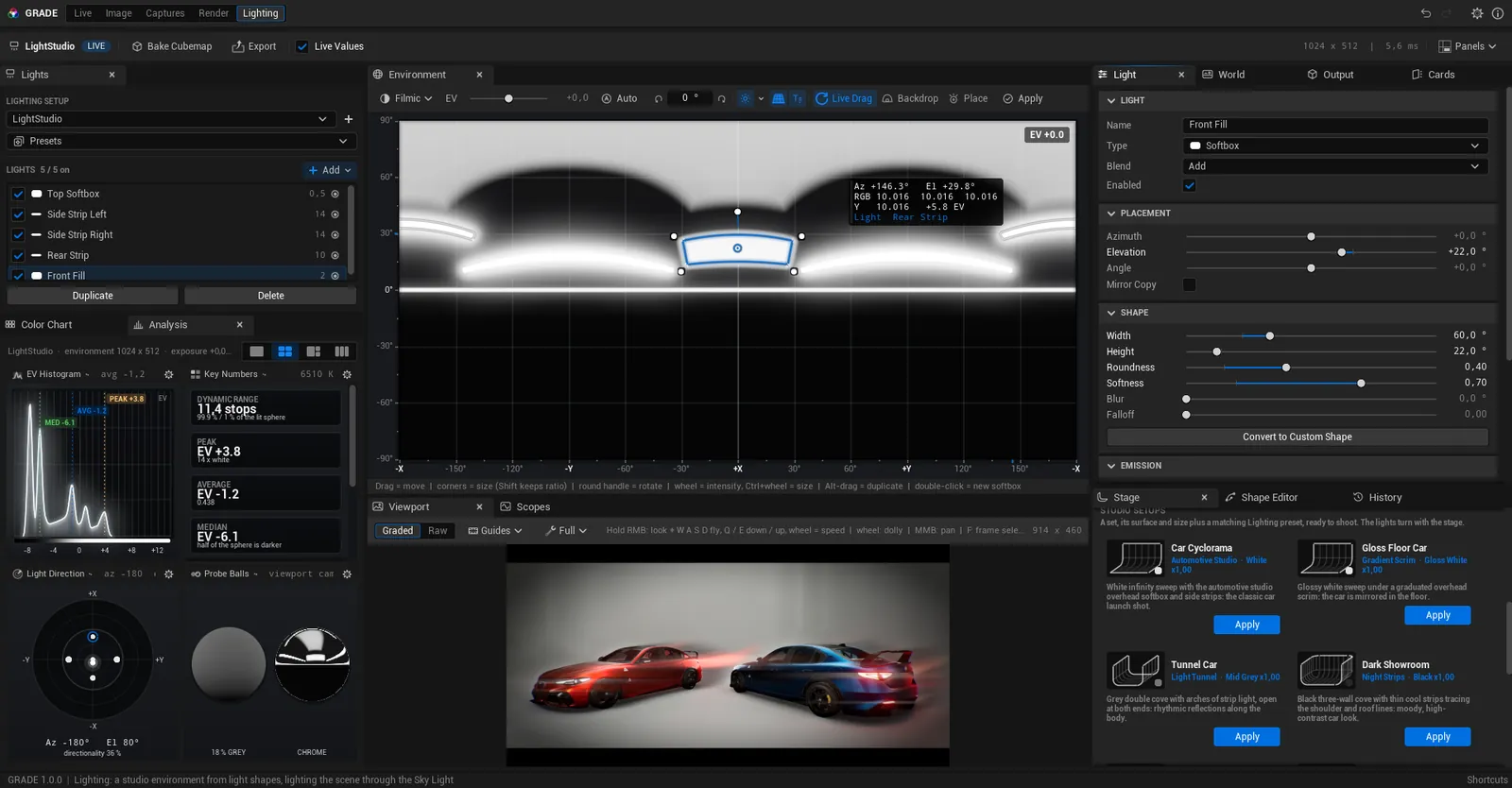
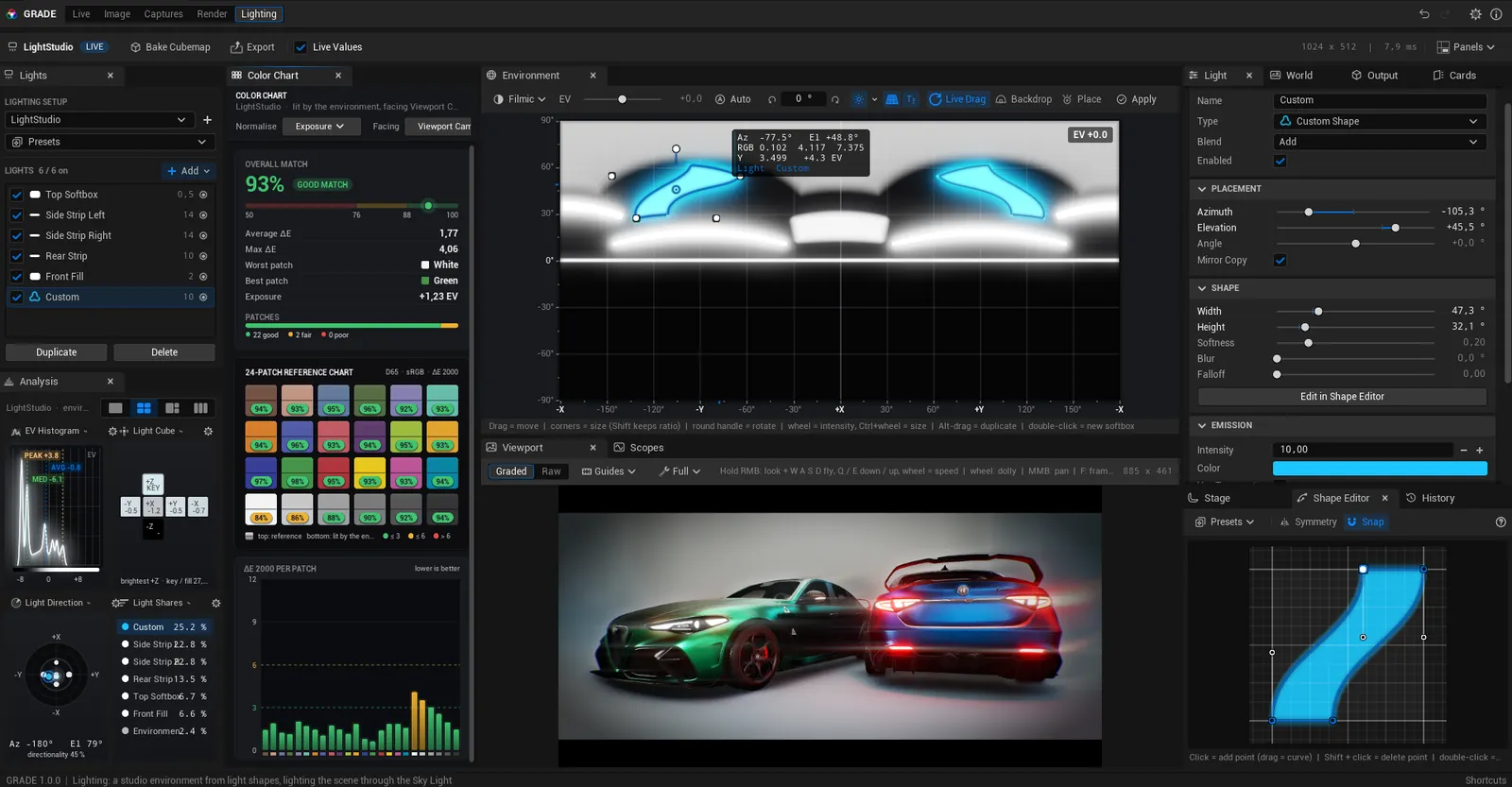
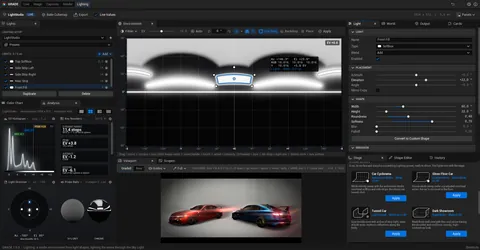
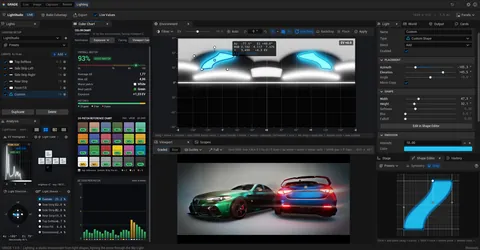
The Lighting pageLightingA Color Chart under the studio lights, with the shape editorLight check
Sky sphere
Softboxes, strips, rings and custom shapes painted on it
Start fast
55 presets and 14 Studio Setups
Export
Bake a cubemap or save an HDR / EXR panorama

09 / 09

A photo studio around your model

The Lighting page paints a studio from softboxes, strips, rings, gradient bands, a sun and custom shapes on the sky sphere, over an optional HDRI, and lights the scene through the Sky Light.

Start from 55 presets and 14 Studio Setups, then bake a cubemap or export an HDR / EXR panorama.

  • 55 presets
  • 14 Studio Setups
  • HDR / EXR export
Read the chapter in the manual
[03] Scopes // Every reading, live16 scopes · real HDR data

Every scope a colourist reaches for.

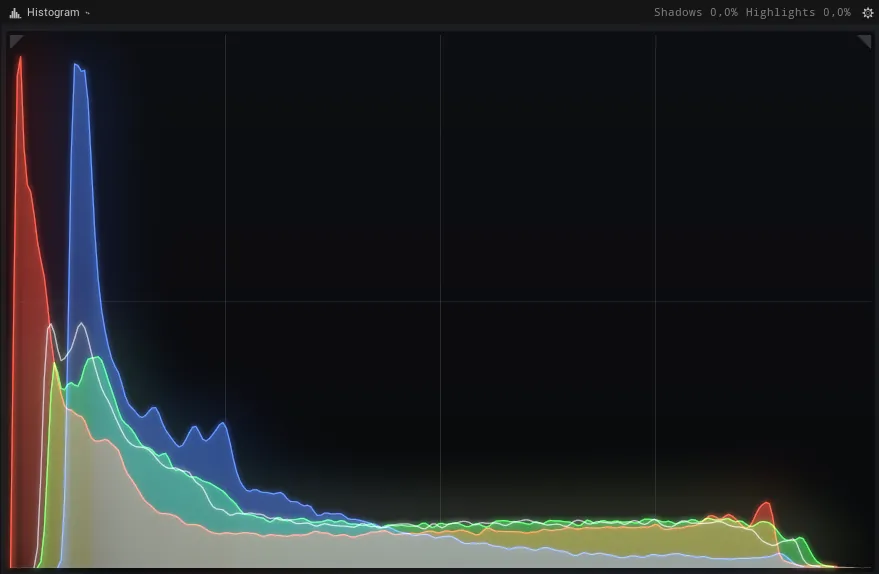
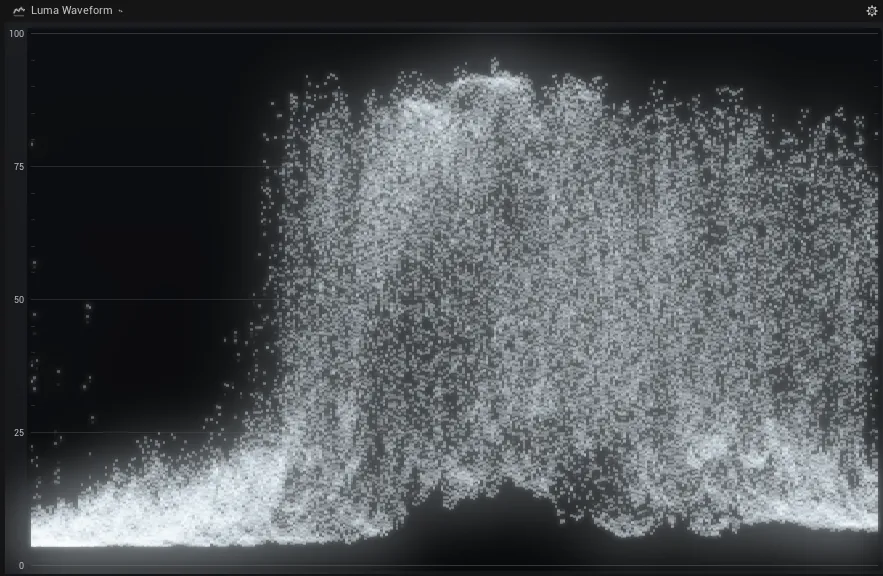
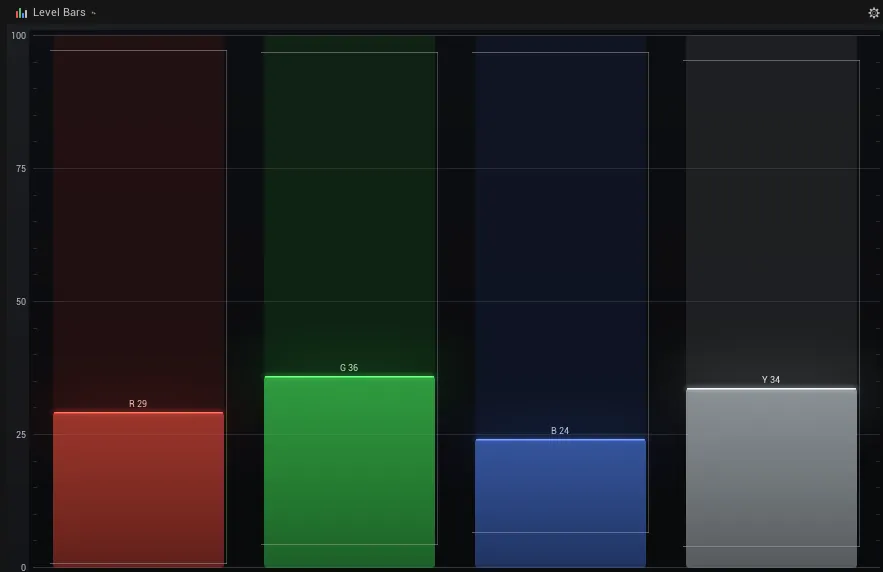
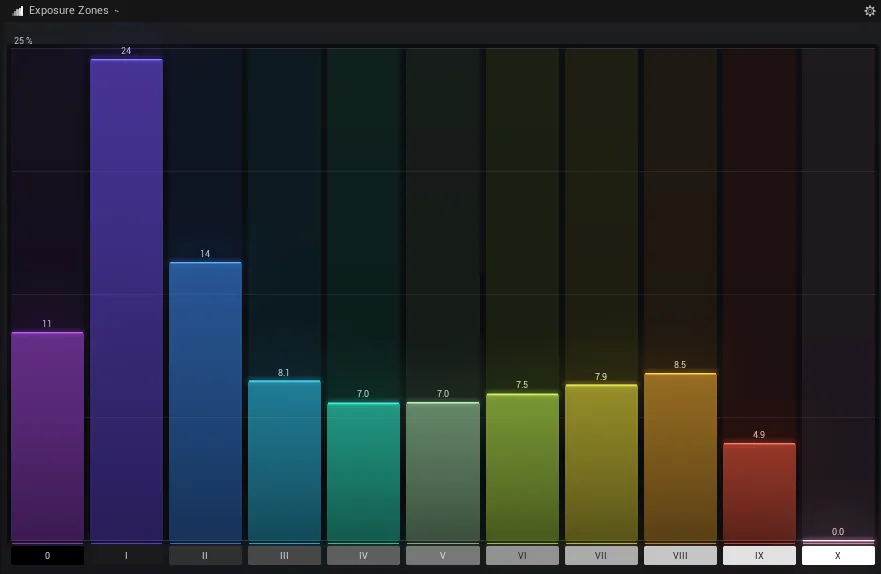
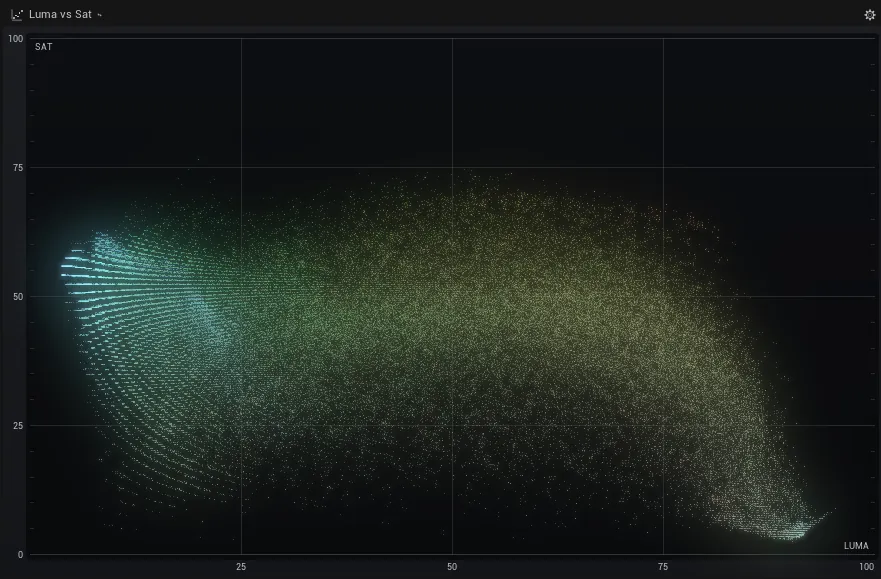
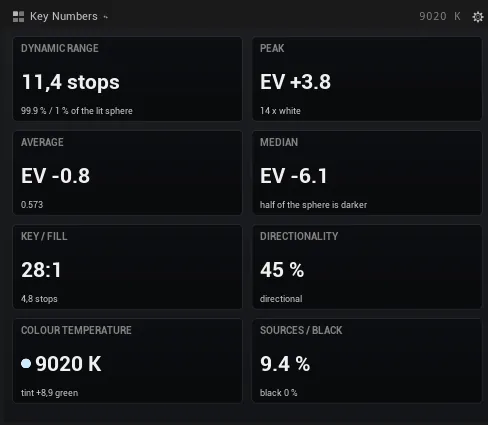
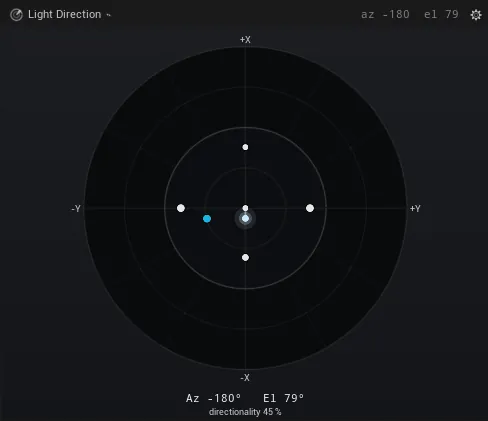
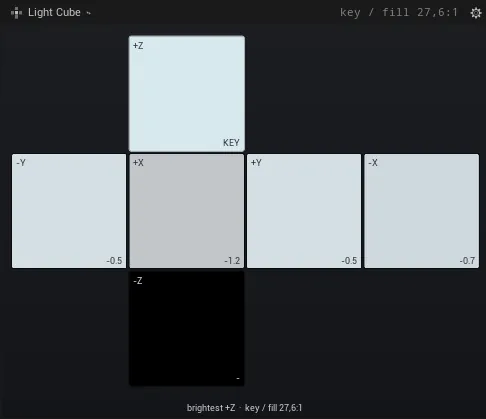
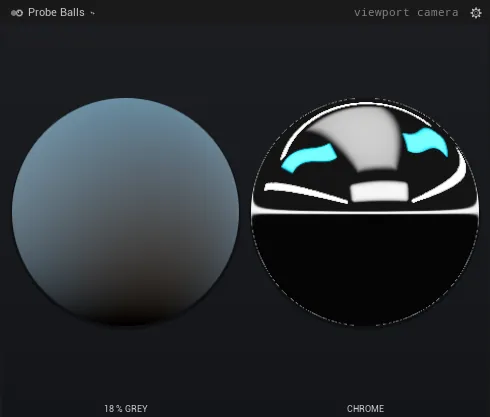
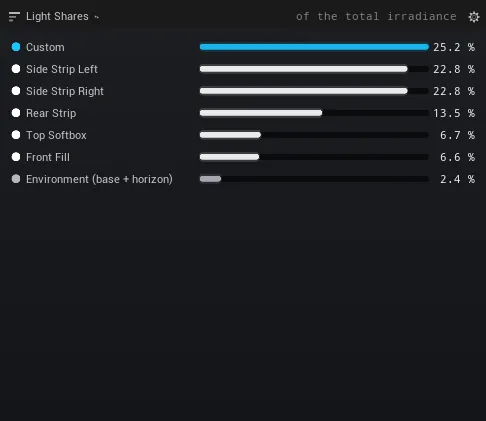
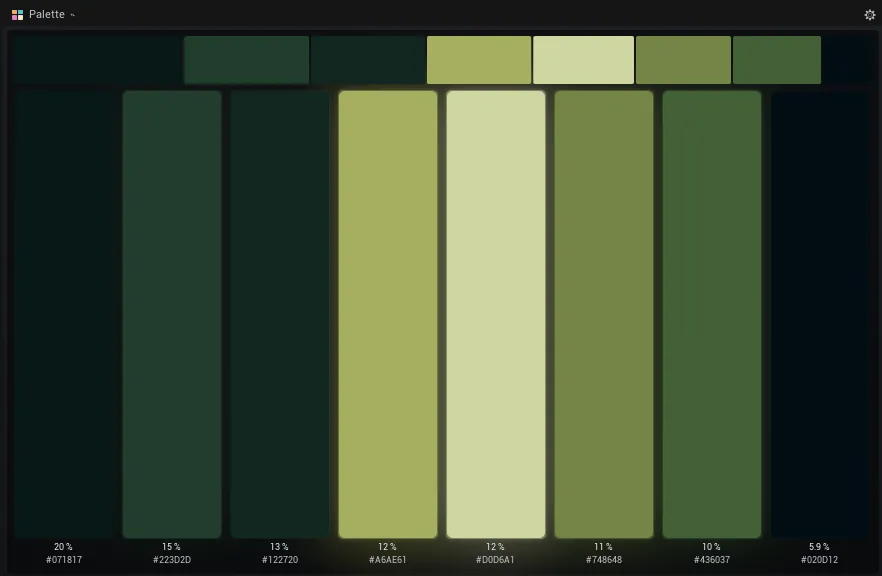
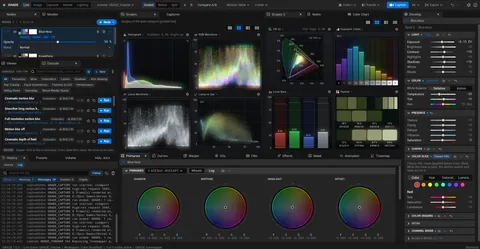
Histograms, waveforms, parade, vectorscope, chromaticity, exposure zones, palette, the Color Chart and the light readings of the studio (key numbers, light direction, light cube, probe balls and light shares), all reading the real HDR frame of the level while you grade.

[ Gallery // Scopes // GRADE Studio ]Click a picture to enlarge
[04] Effects // The library92 effects · 273 looks
[05] Toolkit // Everything else you will reach forCompare · presets · export · fog

Everything else you will reach for.

Compare while you grade

Split the viewer before and after, flip between A and B snapshots, and keep frame guides and overlays on the image you are judging.

273

Built-in looks

In 20 groups, plus your own GRADE Presets, blended in with one click.

Image mode

Grade textures, renders and photos with the same tools, then save them back as files.

Ship without the runtime

Export a look as a .cube LUT, an Unreal LUT strip or a native Post Process Volume.

15

Tonemapper operators

Filmic, neutral and perceptual curves compared live side by side, with HDR output and monitoring.

Animation and Blueprint

Sequencer trims and look blends, Blend To Preset, gameplay pulses and a full camera-shake system.

119

Console commands

A ready-made library in 11 categories, with favourites and one-click reset to the previous value.

Accessibility built in

Colour-vision simulation while you grade, and an in-game filter for colour-blind players.

Local volumetric fog

GRADE Volumetrics places ground mist, smoke columns, cave haze and dust storms as fog volumes and splines, lit and shadowed by the level, with 21 presets, fog that reacts to the player, painted density and flow, and Path Traced fog for final renders.

8K

Exact capture sizes

Viewport, 1K, 2K, 4K, 8K or Custom for Capture Now, Screenshot and capture points, with the real size in the metadata.

Effects that stack like layers

Lens, film, stylised and gameplay effects, each with its own opacity, order and mask, so a look is built the way you would build it in a photo editor.

Finished looks in one click

Start from a built-in look, tune it on the frame, then save it as a preset to reuse across levels, shots and the whole team.

[06] Specs // Technical detailsGradeRuntime · GradeEditor

Technical details.

What GRADE needs, where it runs and what it leaves untouched.

ItemDetail
EngineUnreal Engine 5.8
PlatformWindows 64-bit, DirectX 12 (SM6). Other platforms are untested.
ModulesGradeRuntime (runtime) and GradeEditor (editor)
Works inEditor viewports, Play In Editor, packaged games and Movie Render Queue
LightingEdited in the editor; a baked cubemap lights Play In Editor and packaged games with no CPU work
Volumetric fogGRADE Volumetrics uses the engine's volumetric fog: an Exponential Height Fog with Volumetric Fog on (one click adds it) and Shadows scalability High or above
Engine changesNone: a scene view extension, no engine shader recompiles
OptionalCustom Depth-Stencil for object masks; a command-line video encoder for MP4 and GIF export
ManualInside the editor (F1) and online, with a full parameter reference
Supportsupport@lidatools.com
[07] Licensing // GRADE on FabOne-time purchase · identical plugin

One plugin, two licences.

The plugin is identical in both. Pick the Fab licence that matches who you are.

Personal

$139.99USD

One-time purchase on Fab · taxes at checkout

For individuals and small teams that qualify for Fab's Personal licence.

Get Personal on Fab

What's included

  • The complete plugin: every tool, effect and look
  • Runtime and editor modules for packaged games
  • The full manual and parameter reference
  • Support by e-mail
ProfessionalFor studios

$1,299.99USD

One-time purchase on Fab · taxes at checkout

For studios and companies that need Fab's Professional licence.

Get Professional on Fab

What's included

  • Everything in Personal
  • Licensed for professional and studio use
  • Seats and invoices through licensing@lidatools.com
  • Support by e-mail

Checkout, licence terms, taxes and refunds are handled by Fab. Not sure which licence you need? Write to licensing@lidatools.com.

[08] GRADE FAQ

GRADE questions.

Does GRADE work in packaged games?

Yes. The runtime module grades editor viewports, Play In Editor, packaged games and Movie Render Queue renders. GRADE Studio, captures and the importers are editor-only.

Can GRADE add fog to my level?

Yes. GRADE Volumetrics adds local volumetric fog volumes and fog splines that the level's lights light and shadow, with 21 presets, interactors that carve the fog around the player and a paint mode for density and flow. See GRADE Volumetrics.

Can I ship a look without the plugin?

Yes. Export to a native Post Process Volume, a .cube LUT or an Unreal LUT strip. GRADE-only features such as scene masks and most effects need the runtime.

What does it cost in performance?

The colour stage is baked into a LUT, so colour work is close to free. Effects and scene masks cost what they do; the manual's Performance page lists each one, and grade.Quality scales them.

Does it replace Unreal's post process?

It works alongside it. GRADE can use its own tonemapper or keep the engine's, and it can keep the Post Process Volume's colour grading and film curve on request.

Can I grade a single camera or a Sequencer shot?

Yes. Shot grading gives a camera or a Sequencer cut its own look, on top of the volumes or instead of them, blended on cuts.
Can GRADE light a model or a product?

Yes. The Lighting page builds a studio environment from light shapes and an optional HDRI that lights and reflects through the Sky Light, with light cards (LED walls, screens, softbox panels), studio stages and an Analysis board to check it. Bake it to a cubemap for Play In Editor and packaged games, or export it as an HDR / EXR panorama. See Lighting in the manual.

Personal or Professional?

Same plugin. The tier follows your Fab licence: Personal for individuals and small teams that qualify, Professional for studios and companies. Questions: licensing@lidatools.com.

[ Getting started ]

Learn GRADE in an afternoon.

The manual walks you from your first volume to masks, effects, lighting, captures and renders, with a picture of every panel.

Help with GRADE or a licence: support@lidatools.com